
The Thumbnail Room · Analyze · Compare · Create
Stop guessing the frame
that decides the click.
Frame Studio reads your thumbnail before the feed does. Analyze one frame, compare your options head-to-head, or create new directions — with clear scores for hook clarity, emotion, contrast, composition, color story, and mobile readability.
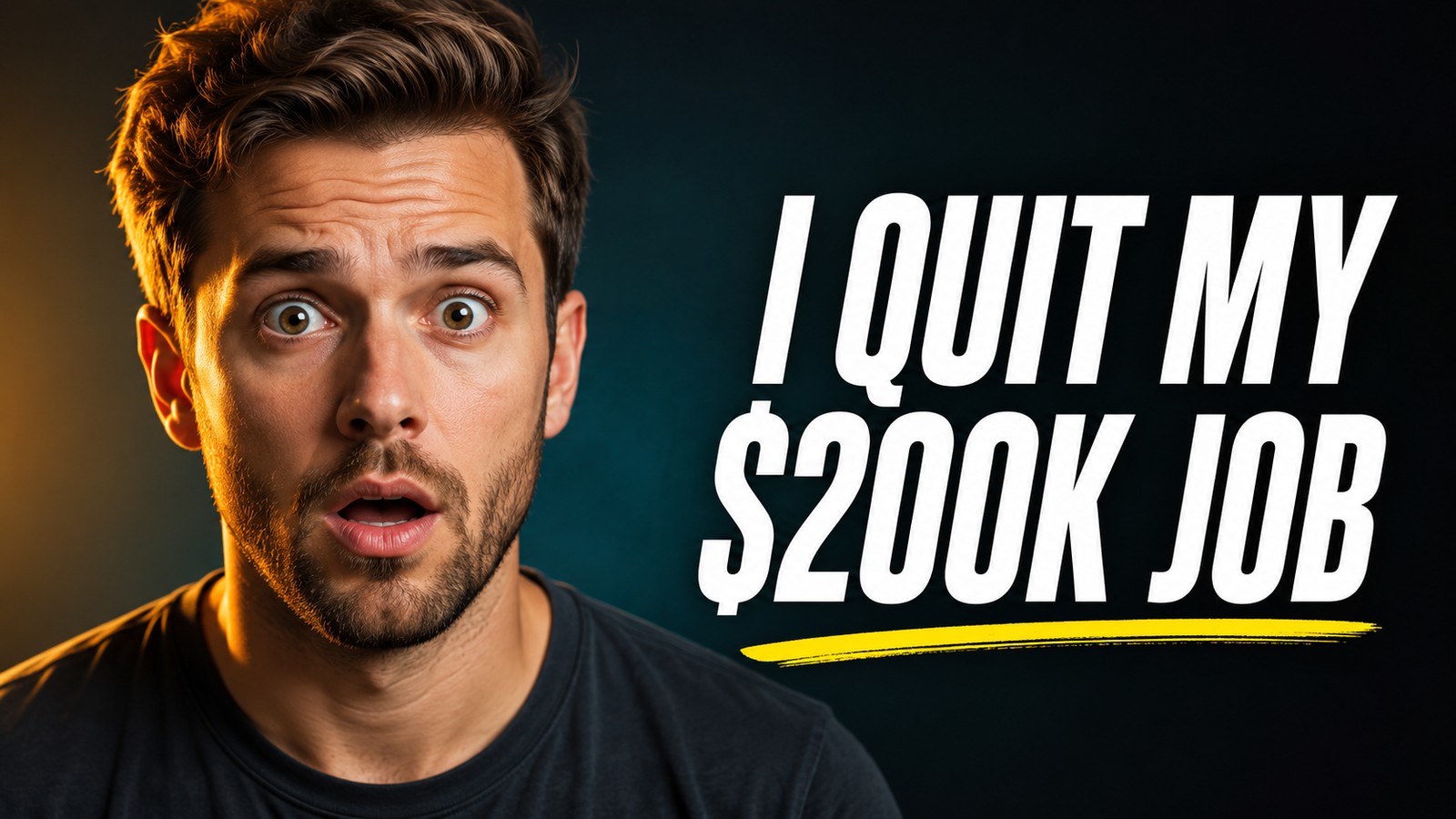
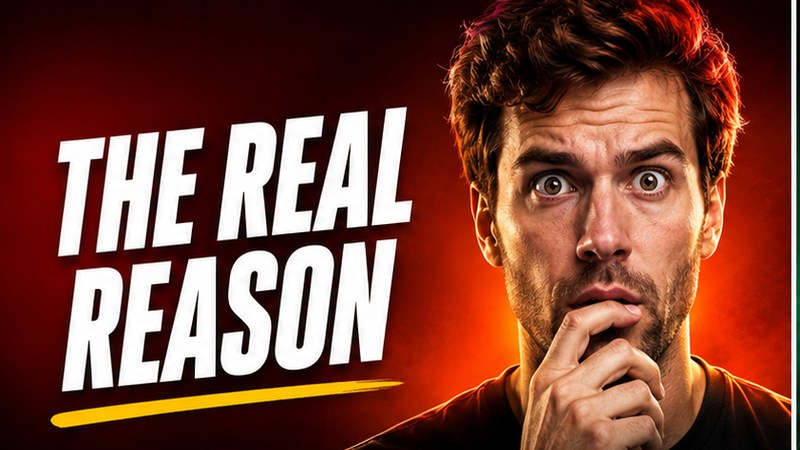
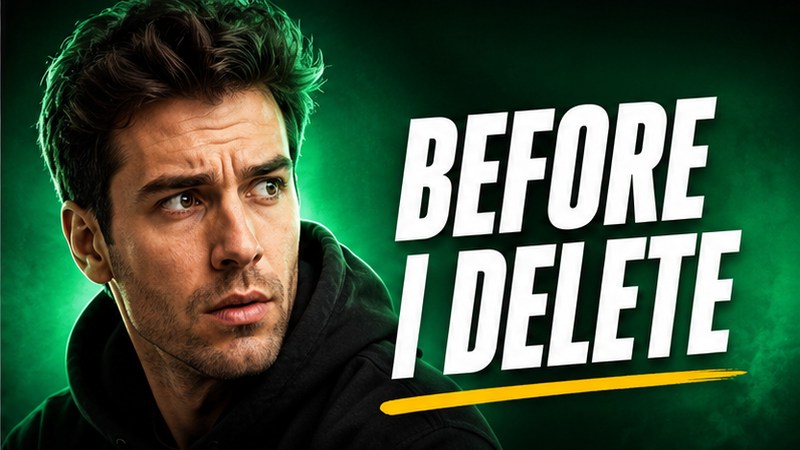
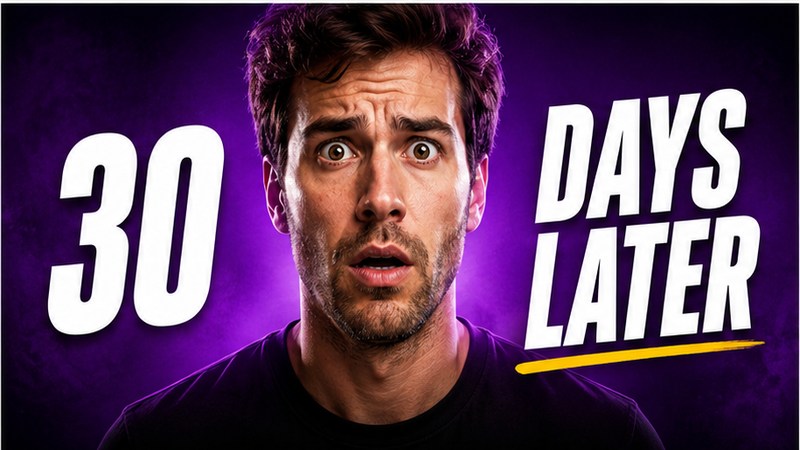
One frame, scored. Three new directions, generated.
01 · The Problem
You can win the video and lose it on the thumbnail.
The thumbnail is the first frame most viewers see — and the only one they judge before they decide. It has to explain the idea, create tension, survive at phone size, and compete against everything else in the feed.
Most creators choose it by instinct. Sometimes instinct is right. Too often, a frame that looked strong on a desktop disappears the moment it shrinks.
The first draft is noise. The second draft starts telling the truth.
02 · Three Modes
One room. Three ways to sharpen the click.
Analyze one frame when you need a read. Compare multiple options when you need a decision. Create new directions when the current idea is not strong enough yet.
Analyze
Score one frame and get the fixes that matter most.
Compare
Put 2–4 thumbnails in a faceoff and see which one carries the click better.
Create
Generate new thumbnail directions when the current set feels too narrow.
03 · Analyze
A read, not a hunch.
Drop a thumbnail or screenshot and Frame Studio reads what is actually in the frame. You get an overall score, a short verdict, and a breakdown across the traits that usually decide whether a thumbnail works — then numbered fixes ranked by impact. Not vague advice like “make it pop.” A sharper next version.
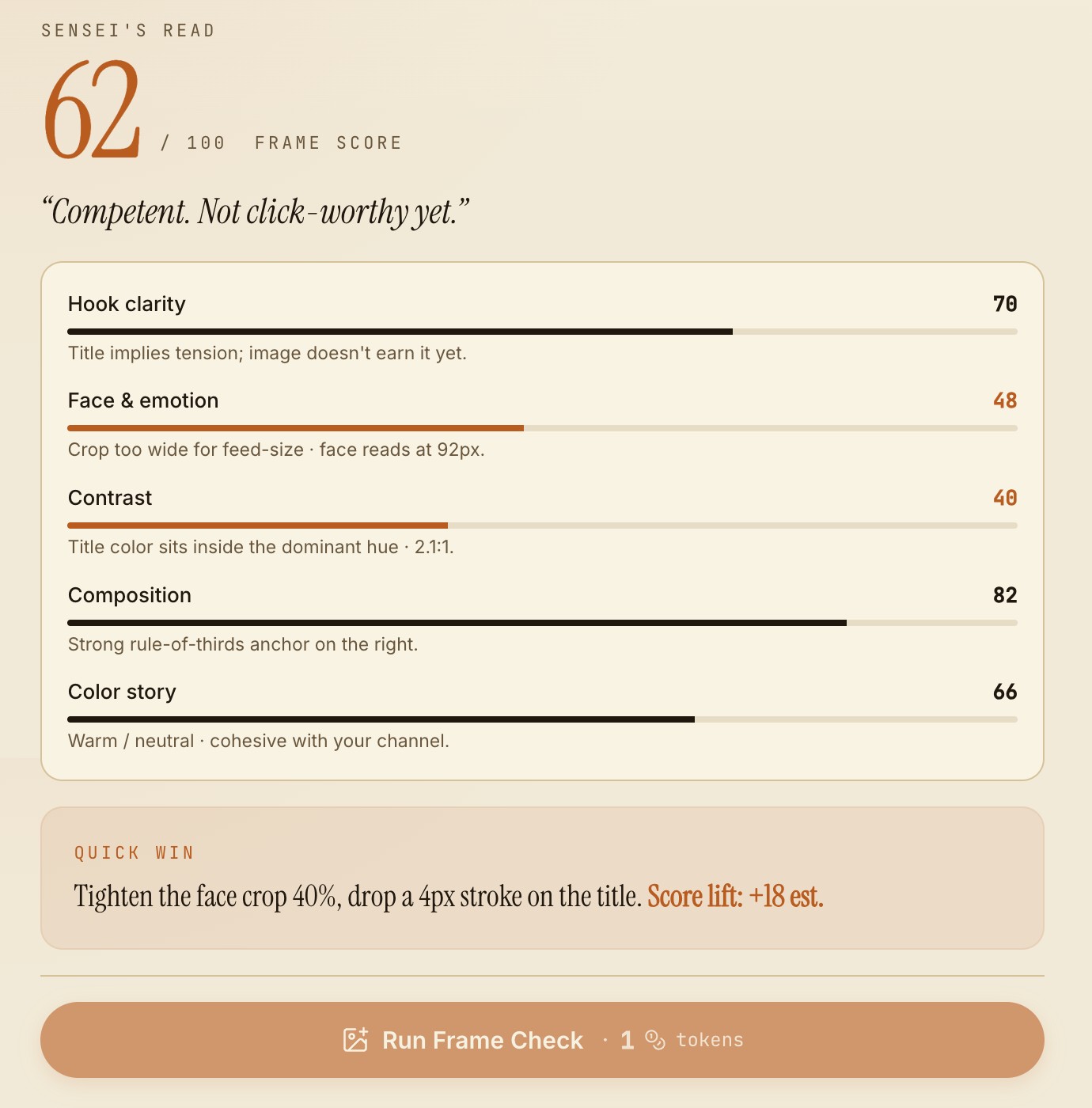
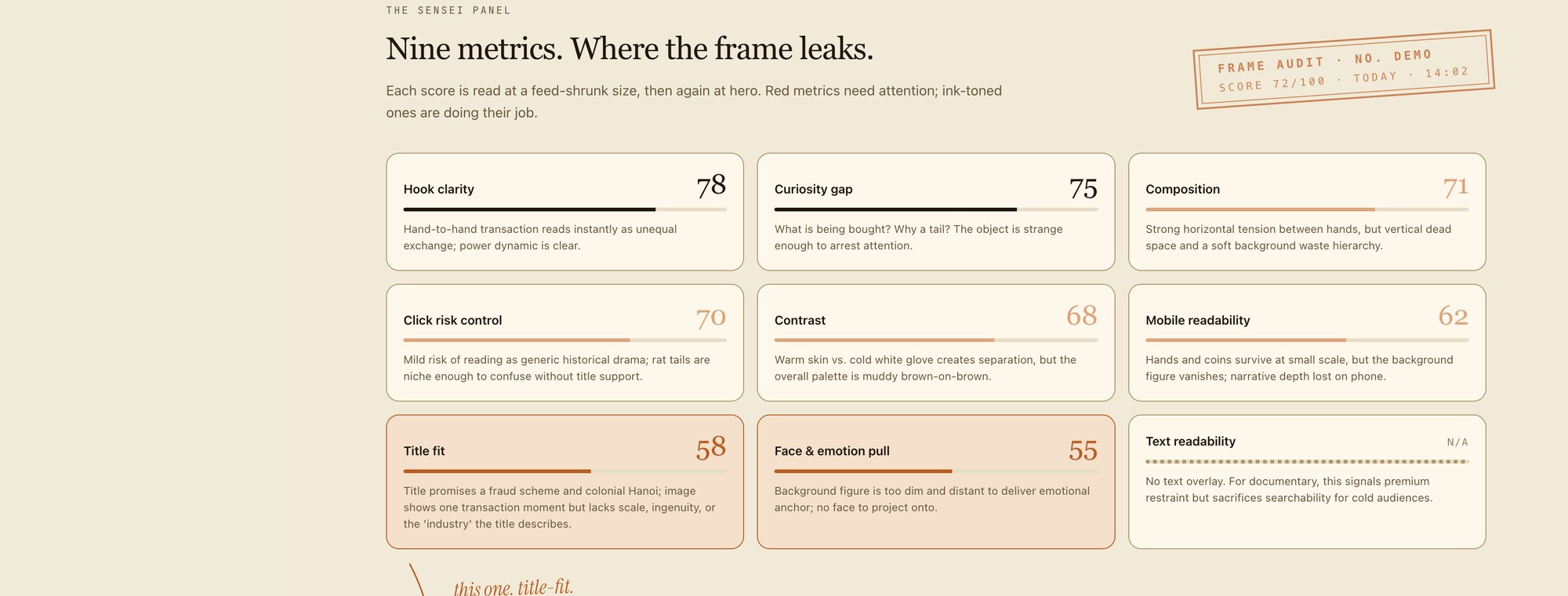
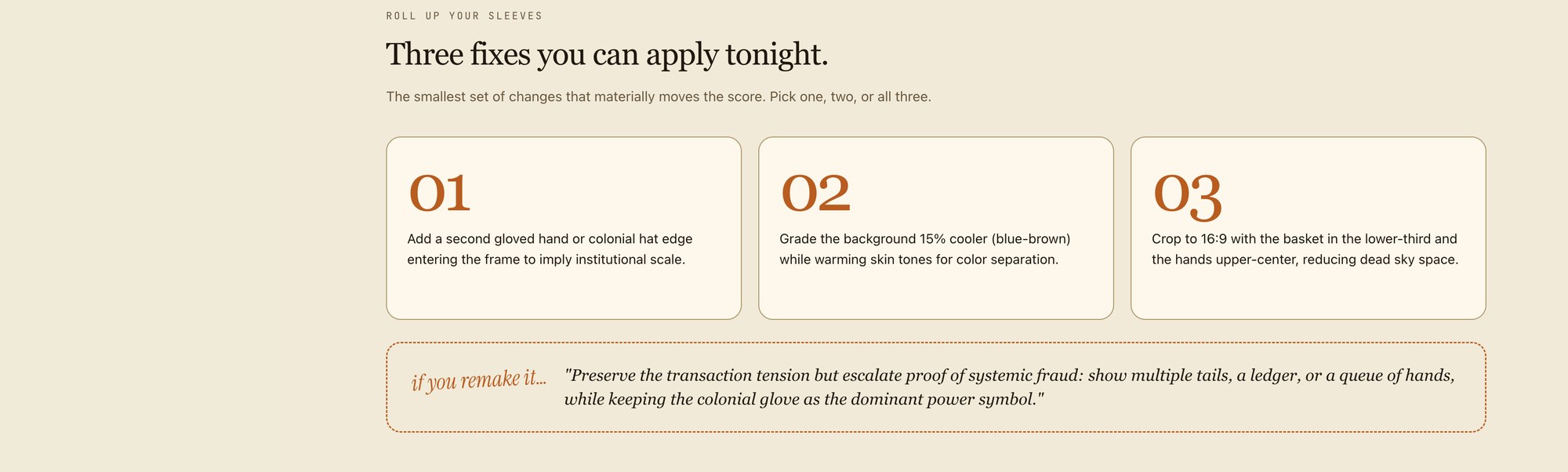
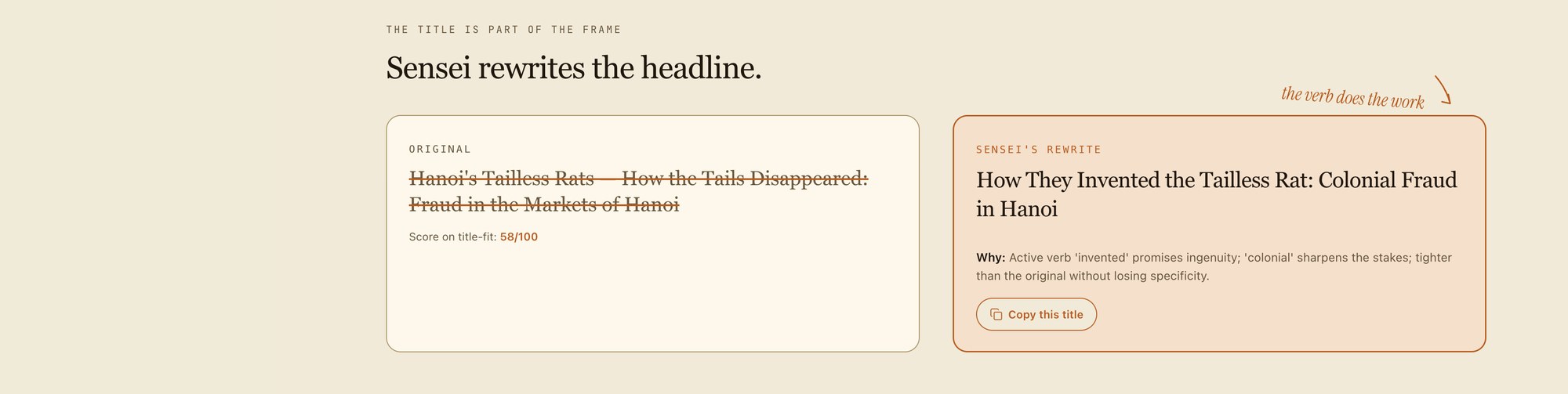
A frame score is useful only when it tells you what to do next.
04 · Compare
Stop debating the options in your head.
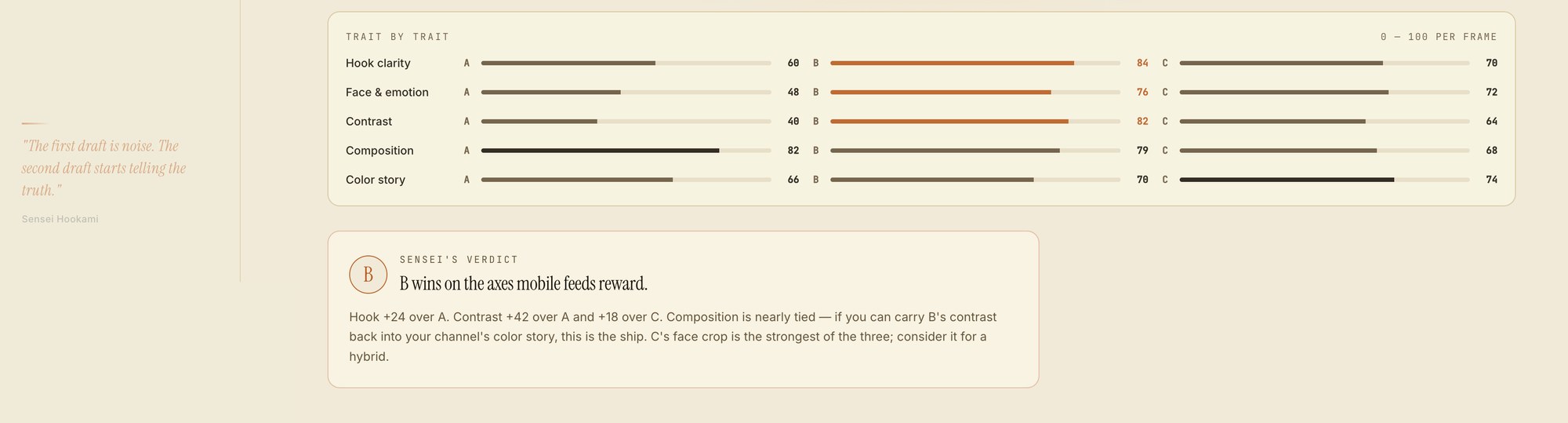
When two thumbnails both look possible, Frame Studio puts them in a faceoff. Drop 2–4 frames and it scores each one trait by trait — then tells you which frame is stronger, where it wins, where it leaks the click, and whether a hybrid would beat them both.
Two good frames is not the problem. Not knowing which one wins is.
05 · Create
New directions when the first idea is too small.
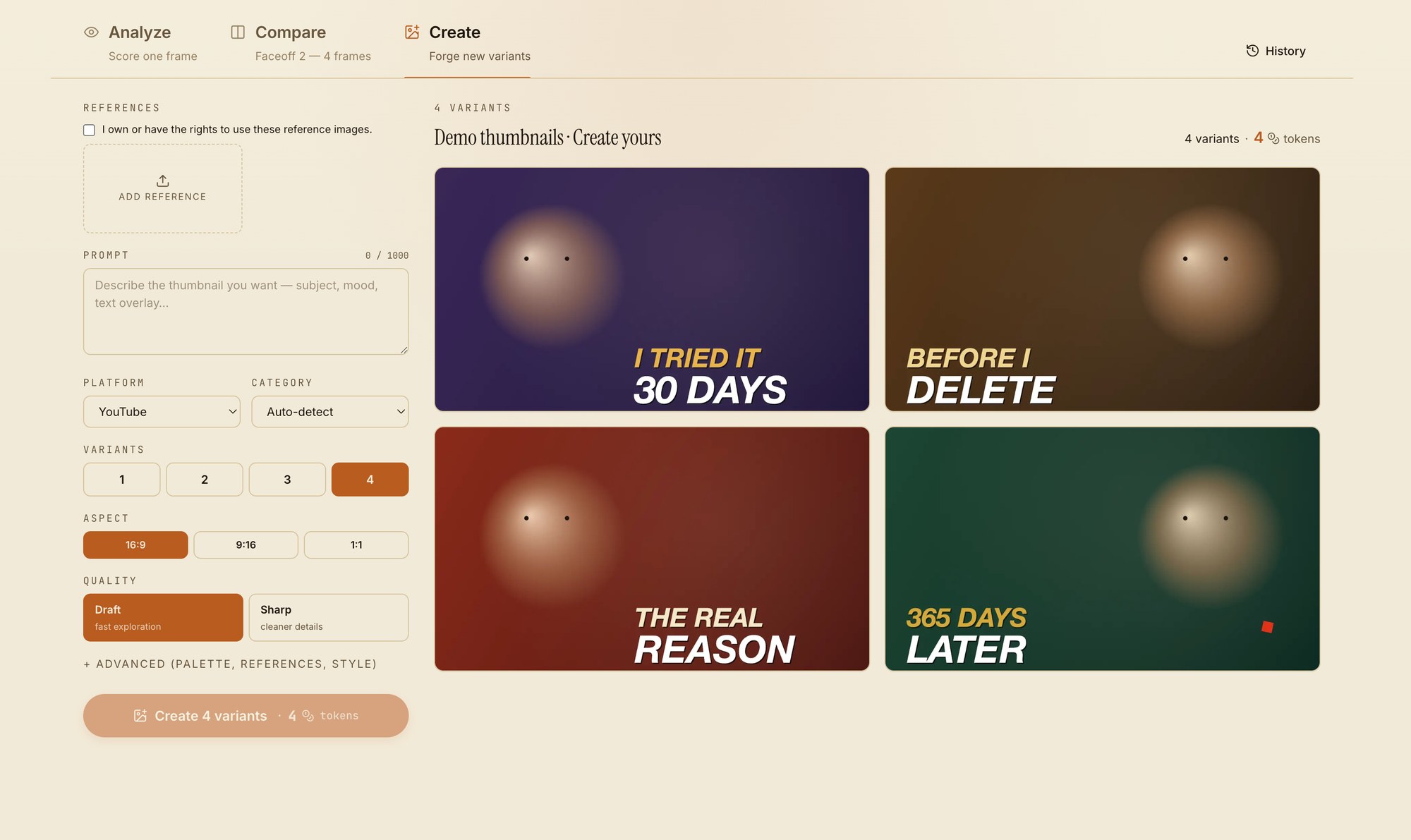
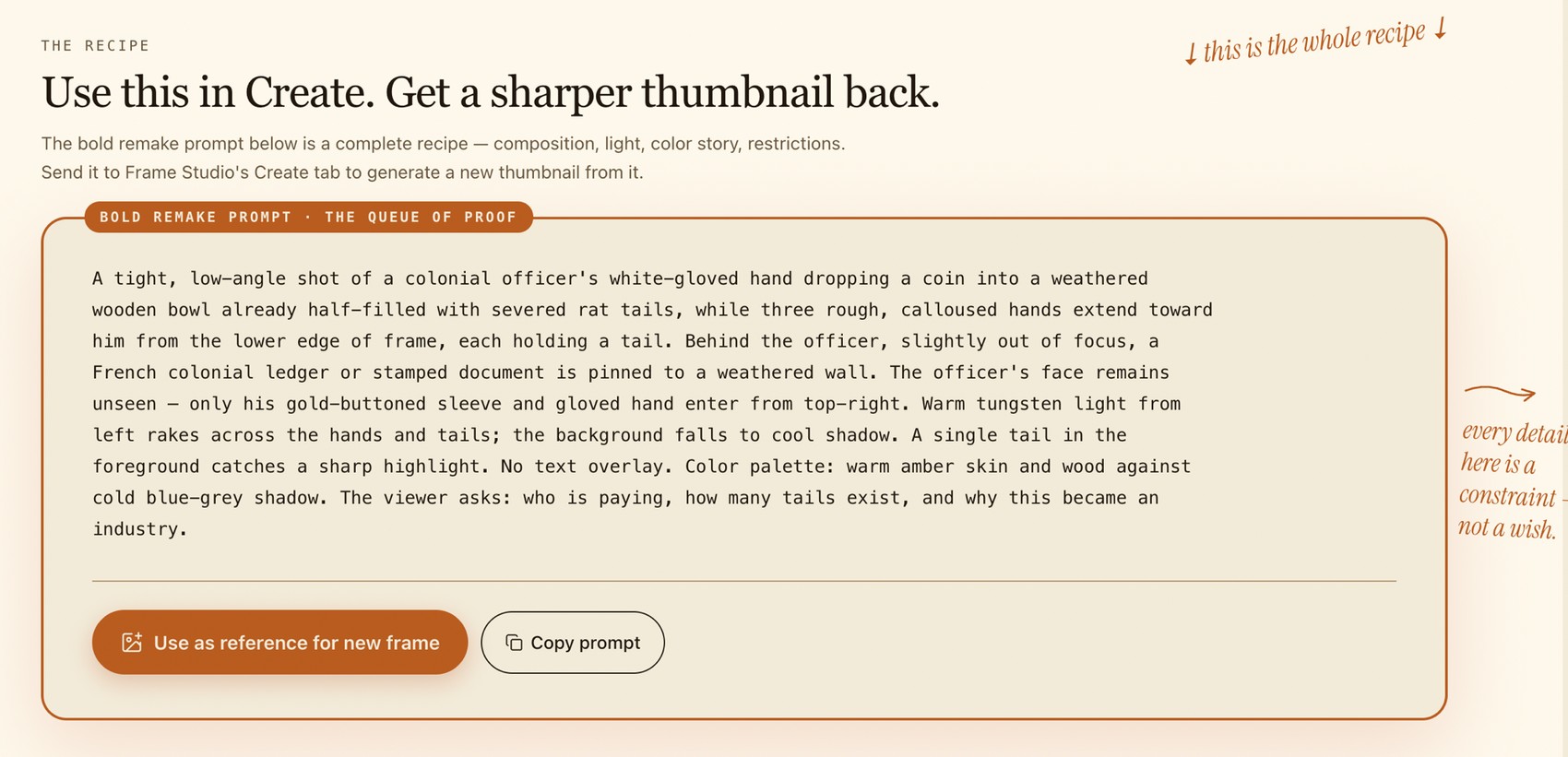
Sometimes the problem is not choosing between thumbnails — none of them are sharp enough yet. Create gives you new directions to react to, refine, and carry forward. Use references you have the rights to, describe the subject and mood, pick the platform and aspect ratio, then generate variants to judge inside the same room.
It is not a button for instant winners. It is faster iteration — more directions to judge before you commit.
06 · The Frame at Real Sizes
What survives the shrink. What dies on the phone.
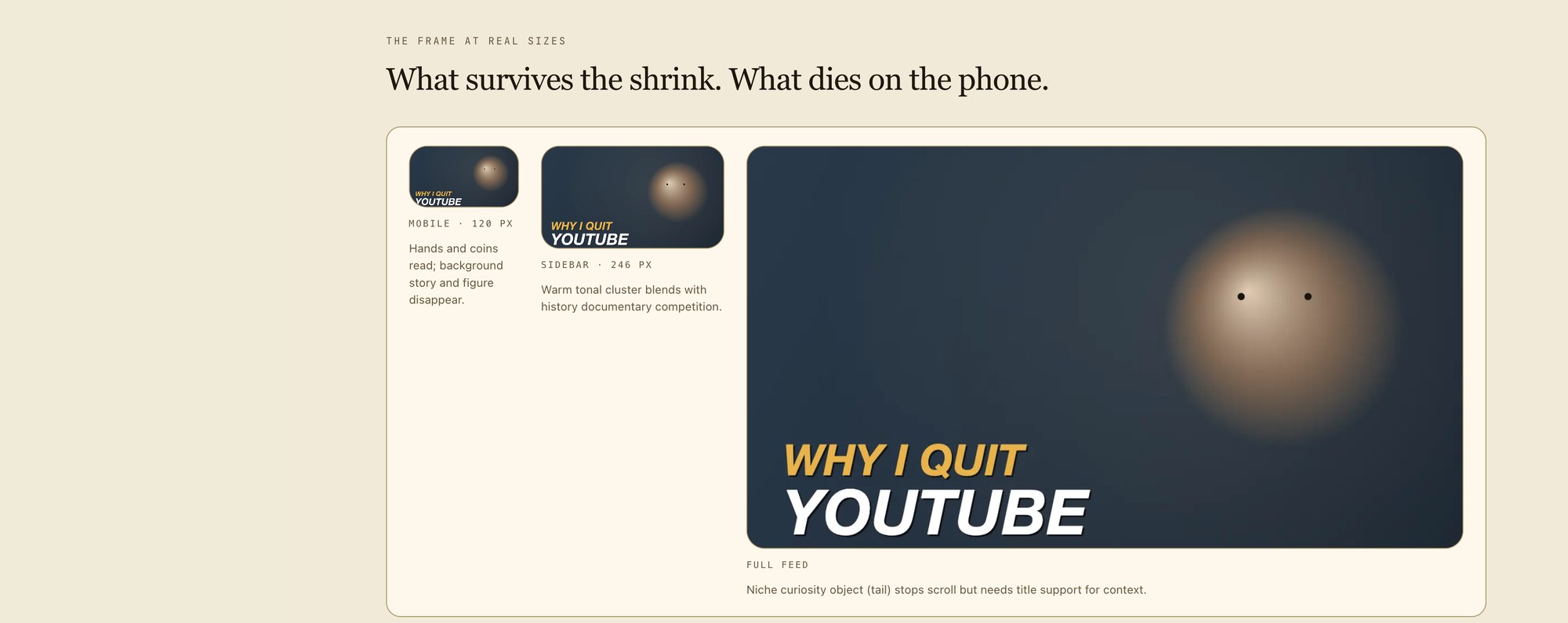
A thumbnail can look finished at full size and still fail where it matters. Frame Studio shows what reads at feed size — mobile, sidebar, and full view — so you can see what remains clear and what disappears into noise. The click usually happens fast and small.
A frame that only works at full size does not work.
07 · Rights-Aware by Default
Use references you have the right to use.
Frame Studio is built for responsible iteration. When you upload reference images, the product asks you to confirm that you own them or have the right to use them. That is not friction — it is a guardrail for creators who want better work without copying someone else's.
Directional read, not a guarantee of performance. You keep the call.
Analyze. Compare. Create. Then publish sharper.
The frame is the gate before the video.
Blueprint shows why a video worked. Forge turns your idea into a shootable script. Frame Studio sharpens the thumbnail that earns the first look. Then Pre-Publish checks the video before it goes live — closing the gap between idea, frame, edit, and publish.
Stop guessing the most important frame you publish.
Score the frame before the feed judges it.
Get Started Free